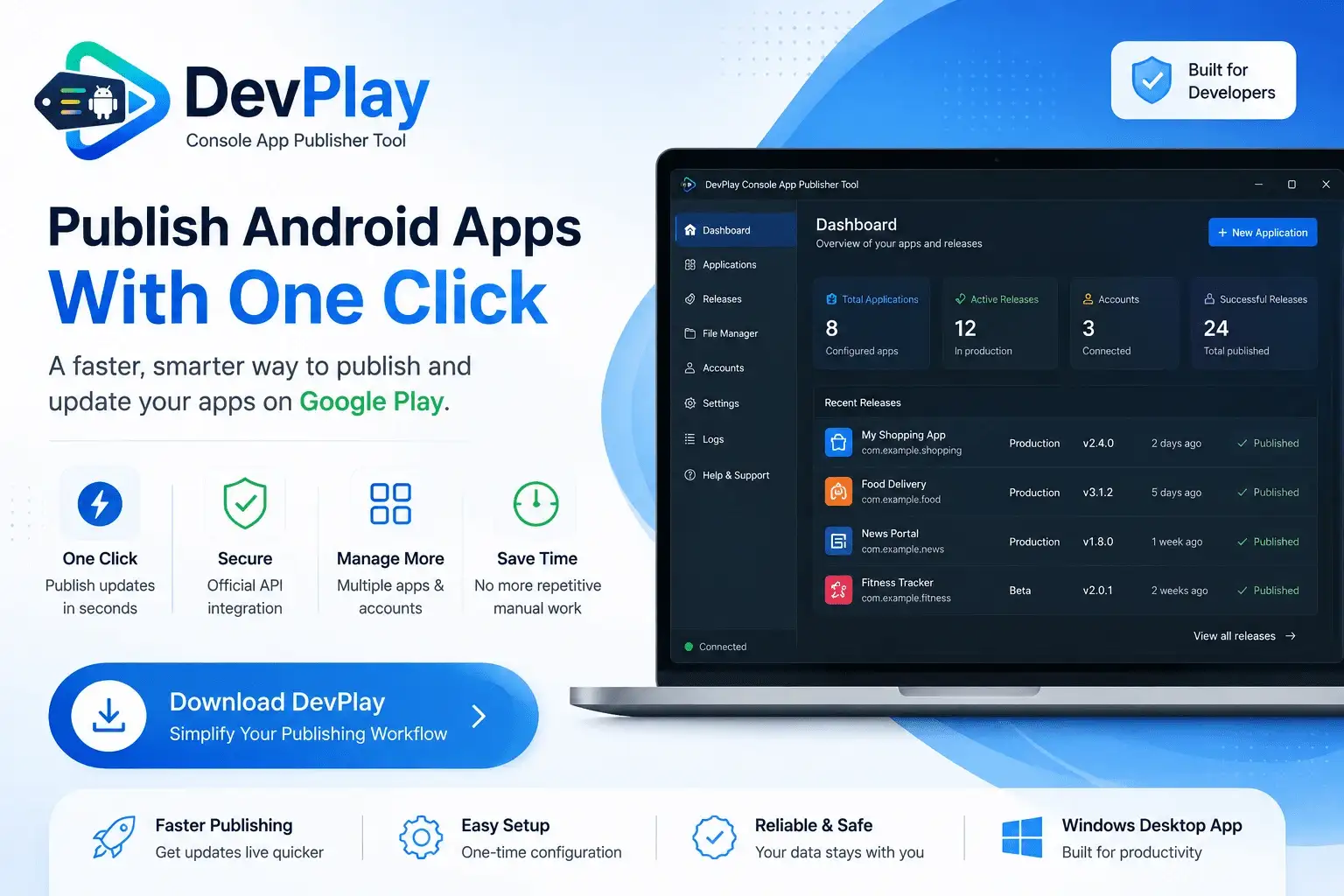
Stop wasting hours clicking through repetitive Google Play Console web portal menus. Connect your Google Developer API Service Account once and deploy Android Developer Tool for Windows updates directly from your Windows PC in seconds.
Open DevPlay Console Tool and click **Auto Setup**. DevPlay Console Tool's built-in wizard automatically handles all background account linkages and publishing credentials seamlessly within the software flow in seconds—no manual web portal configurations required.
In DevPlay Console Tool, click **+ New Application**, enter your package name (e.g. `com.example.myapp`), and select your default target release track (Production, Beta, Alpha, or Internal).
When your build is compiled in Android Studio, Flutter, React Native, Unity, or Godot, open DevPlay Console Tool, choose your target app, and select the compiled `.aab` file from your build output directory.
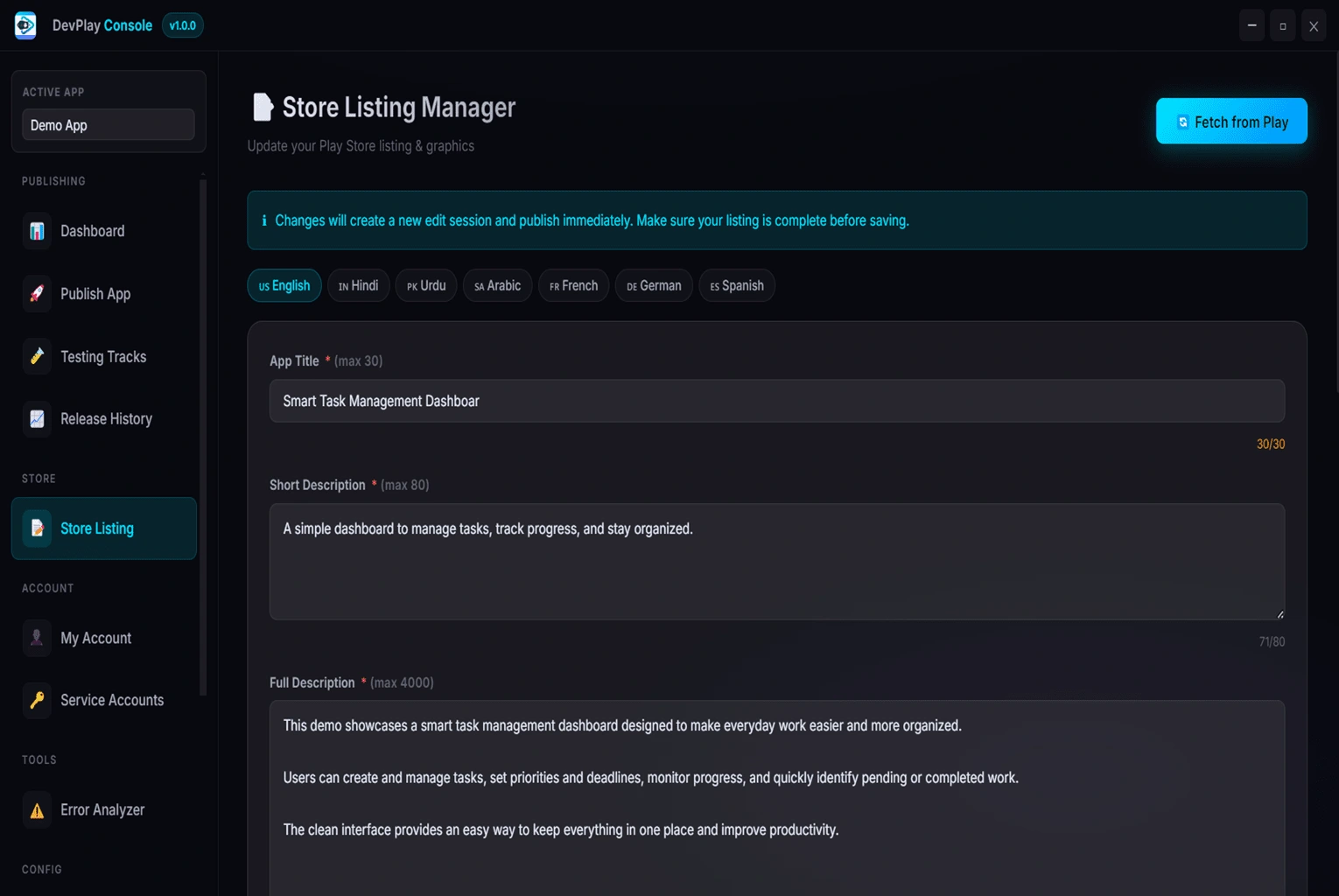
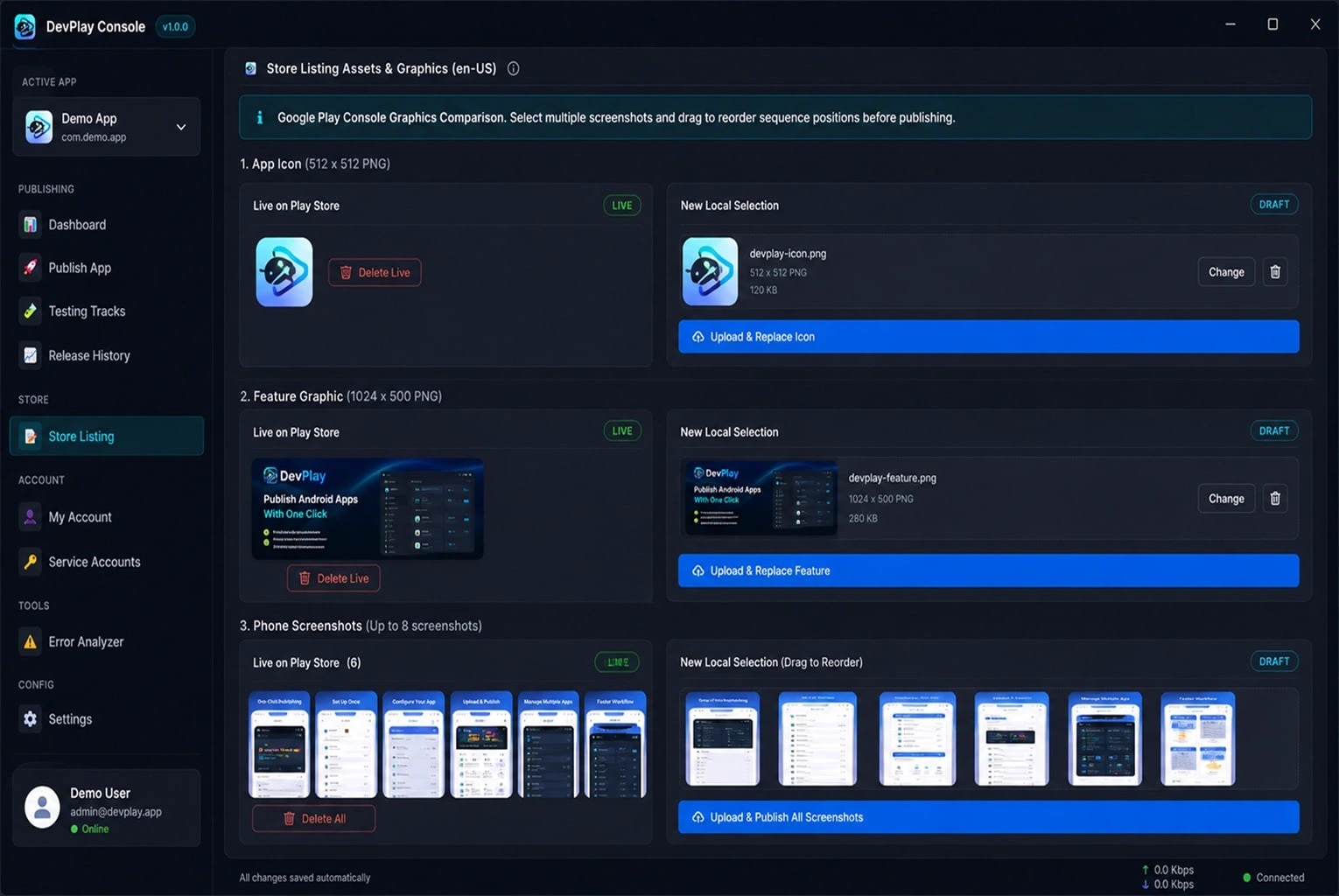
Update your app title, short description, full description, 512x512 icon, 1024x500 feature graphic, and release notes in multiple languages within DevPlay Console Tool's centralized editor.
Click **Analyze Build** to run automated preflight checks. DevPlay Console Tool verifies version numbers, package IDs, and signing keys to guarantee zero upload rejections.
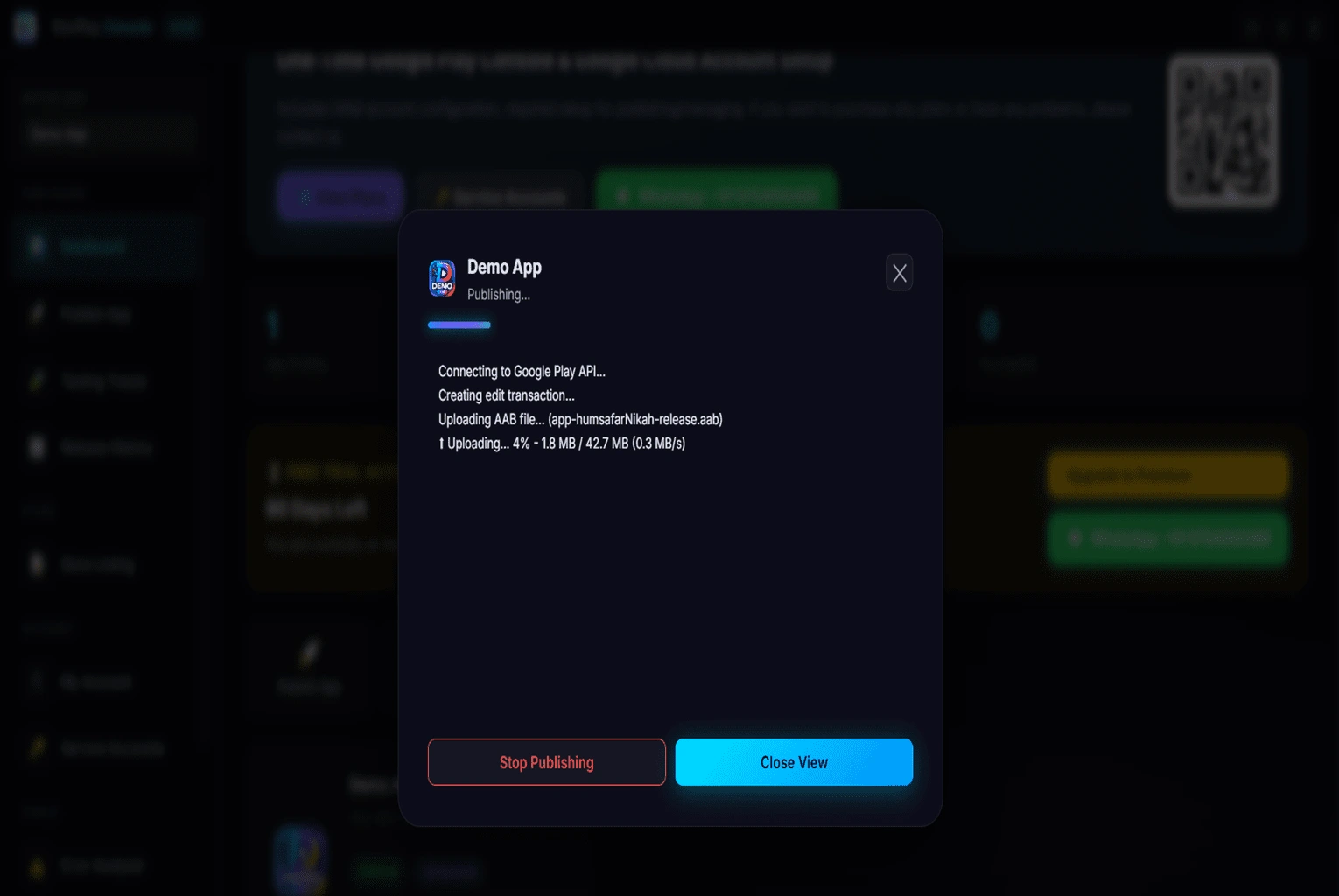
Click **Publish Update**! DevPlay Console Tool streams the build to Google Play, sets your rollout percentage, and displays a real-time deployment log. Your update is live in seconds!
Upload AABs directly to Production, Beta, or Staging tracks instantly.
Update icons, feature graphics, and screenshots effortlessly.
Preflight checks verify version codes and signatures locally.
256-bit AES encryption for all your Service Account keys.
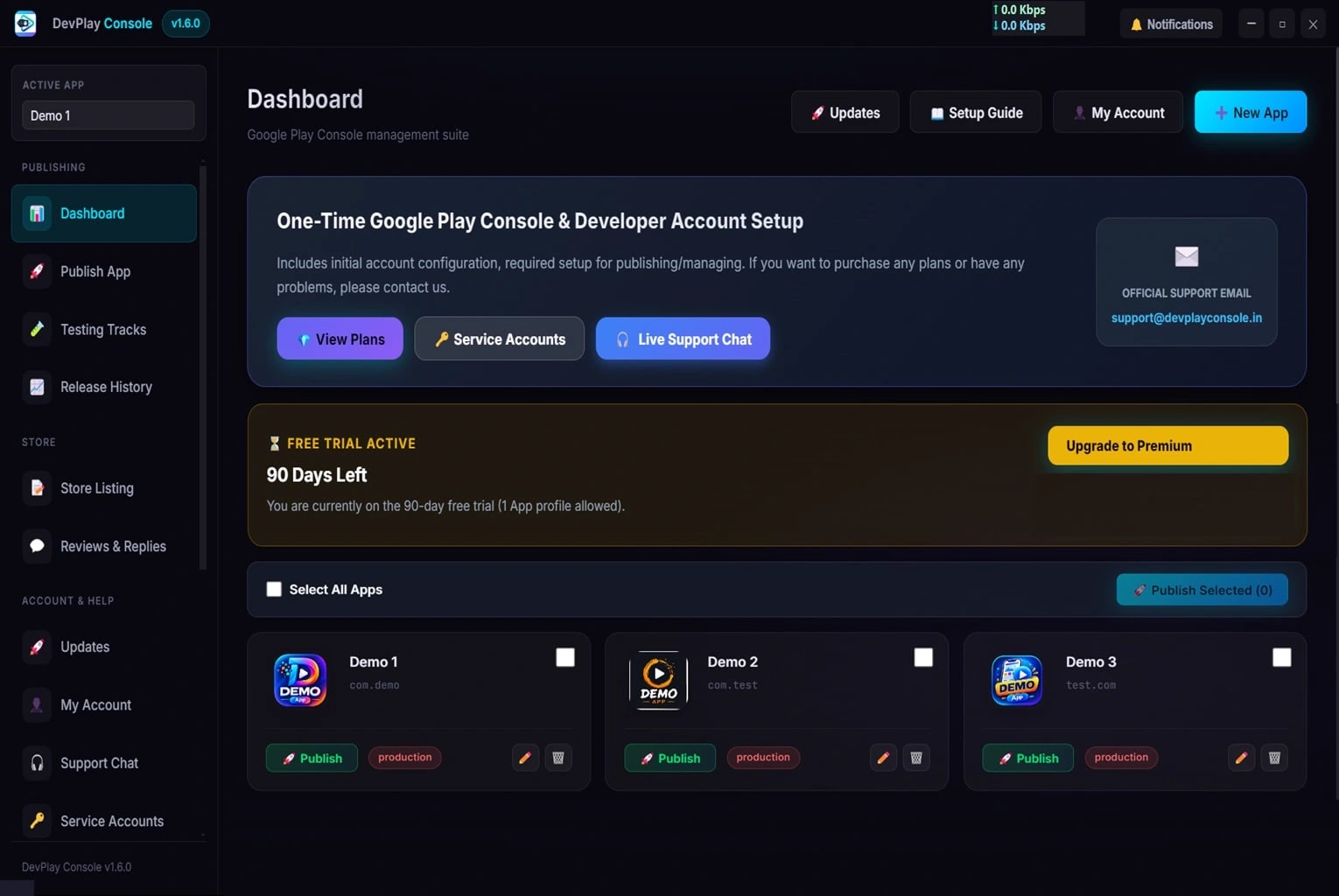
Manage dozens of client apps from one centralized dashboard.
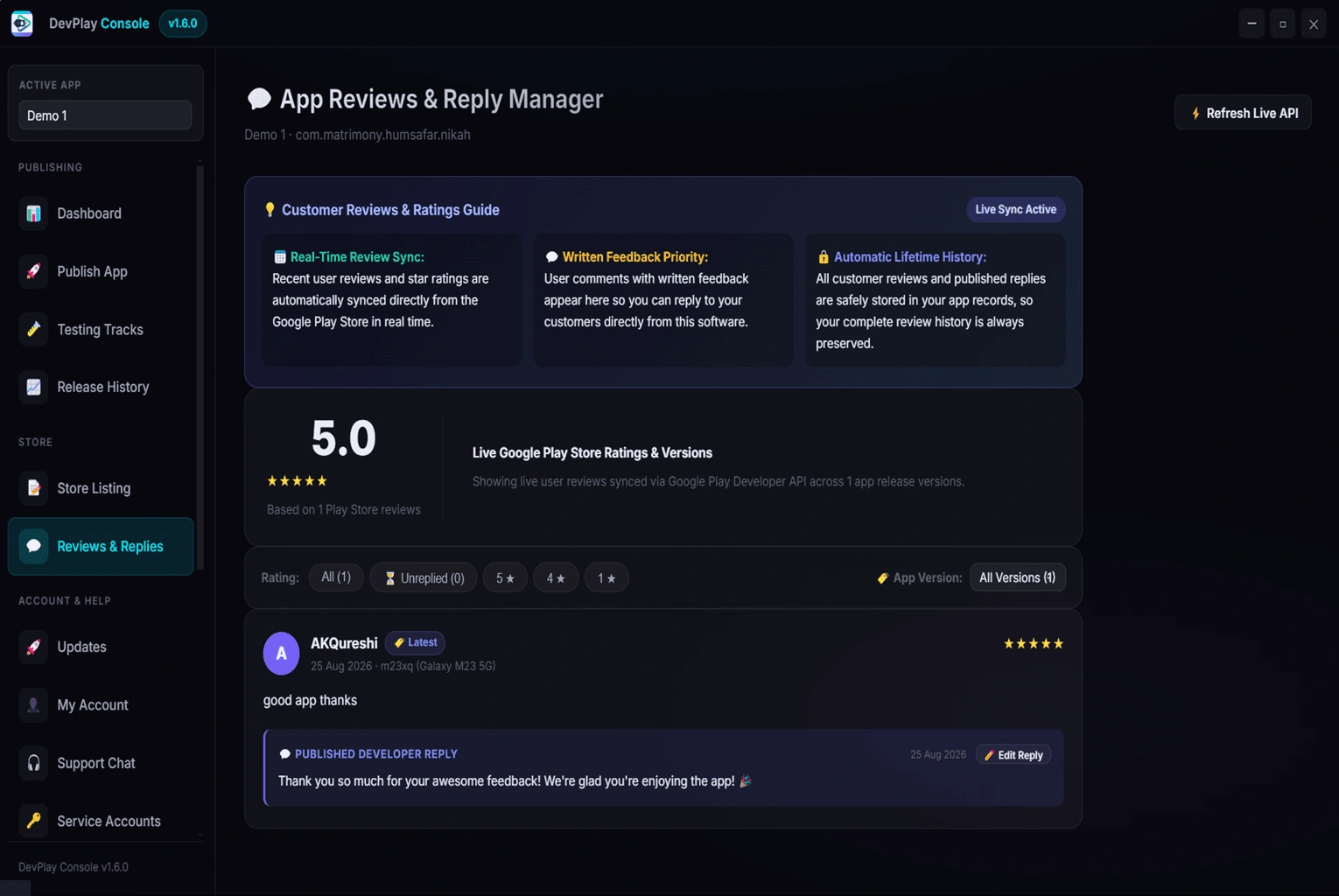
Reply to Google Play Store user reviews directly on PC.
Windows 10 (64-bit), Windows 11 (64-bit).
Android App Bundle (.aab), Android Package (.apk).
Official Google Play Developer API v3 (REST / HTTPS Direct Connection).
Service Account JSON Key files with 256-bit AES local hardware encryption.
Production Track, Open Beta Track, Closed Beta Track, Internal Testing Track.
App Icons (512x512 PNG), Feature Graphics (1024x500 PNG), Phone Screenshots (Up to 8 PNG/JPG screenshots), Multi-Language Descriptions across 50+ locales.
100% Local data storage, zero cloud credential transmission, encrypted local SQLite storage.
Eliminate browser lag and deploy app updates in seconds without leaving your desktop coding workspace. Focus on building features instead of managing web portals.
Manage 50+ client applications across multiple Google Developer accounts without constant browser sign-outs and two-factor prompts.
Deliver client updates quickly, edit store listing graphics, and reply to Google Play user reviews from one centralized PC tool.
Automate recurring app maintenance, track release histories, analyze build errors, and ensure zero Play Store submission rejections.
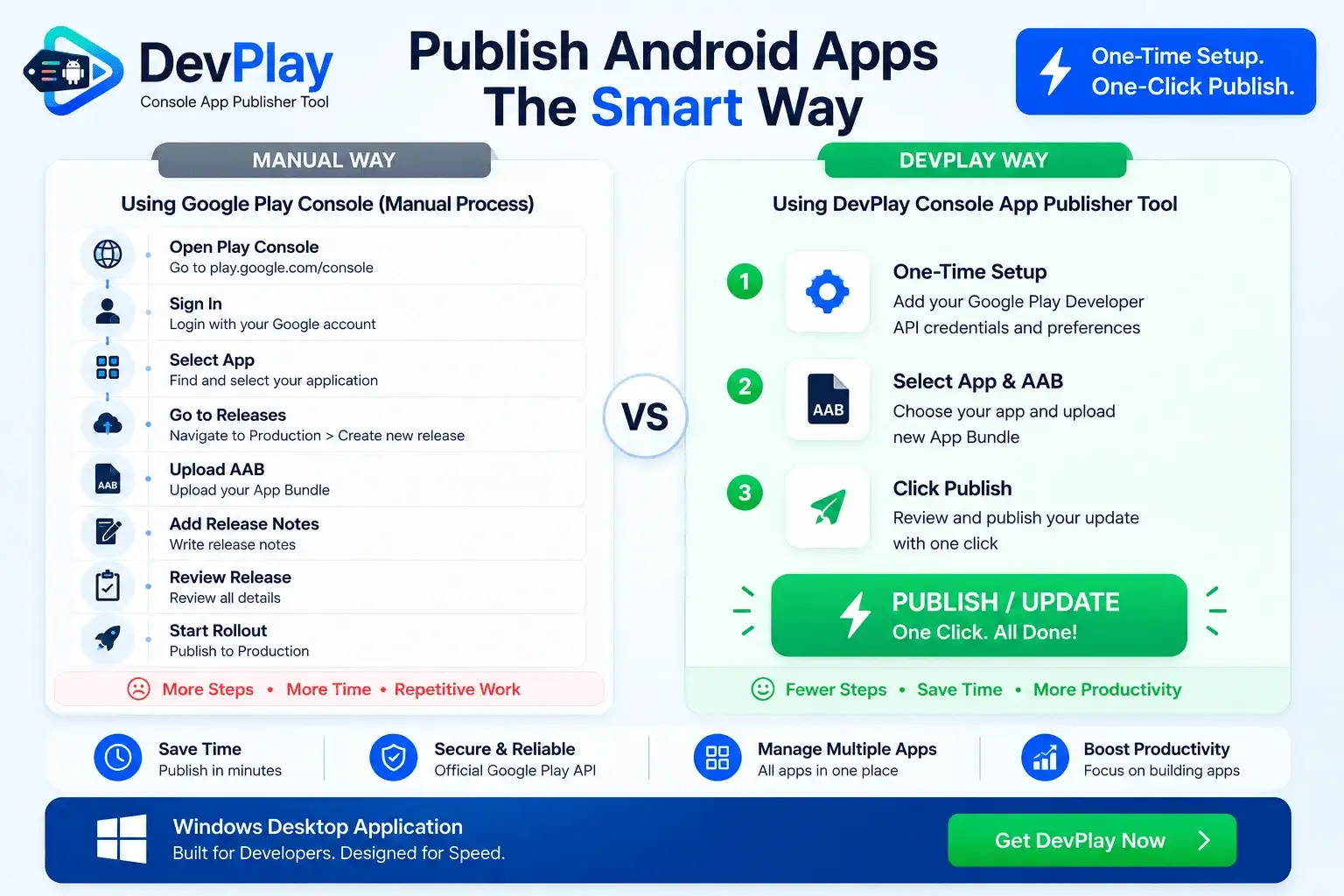
| Feature Workflow | Manual Play Console | DevPlay Console Tool |
|---|---|---|
| Publishing Time | 15 to 20 Minutes per update | 10 to 15 Seconds (1-Click) |
| Authentication | Repeated browser logins | Automated setup wizard |
| Upload Reliability | Browser timeouts on large AABs | Direct HTTPS Server streaming |
| Preflight Checks | Rejections happen after upload | Built-in Analyzer checks locally |
| Multi-Account Suite | Browser sign-out confusion | Centralized workspace |
Download DevPlay Console Tool for Windows today. One-time setup, 1-click publishing.