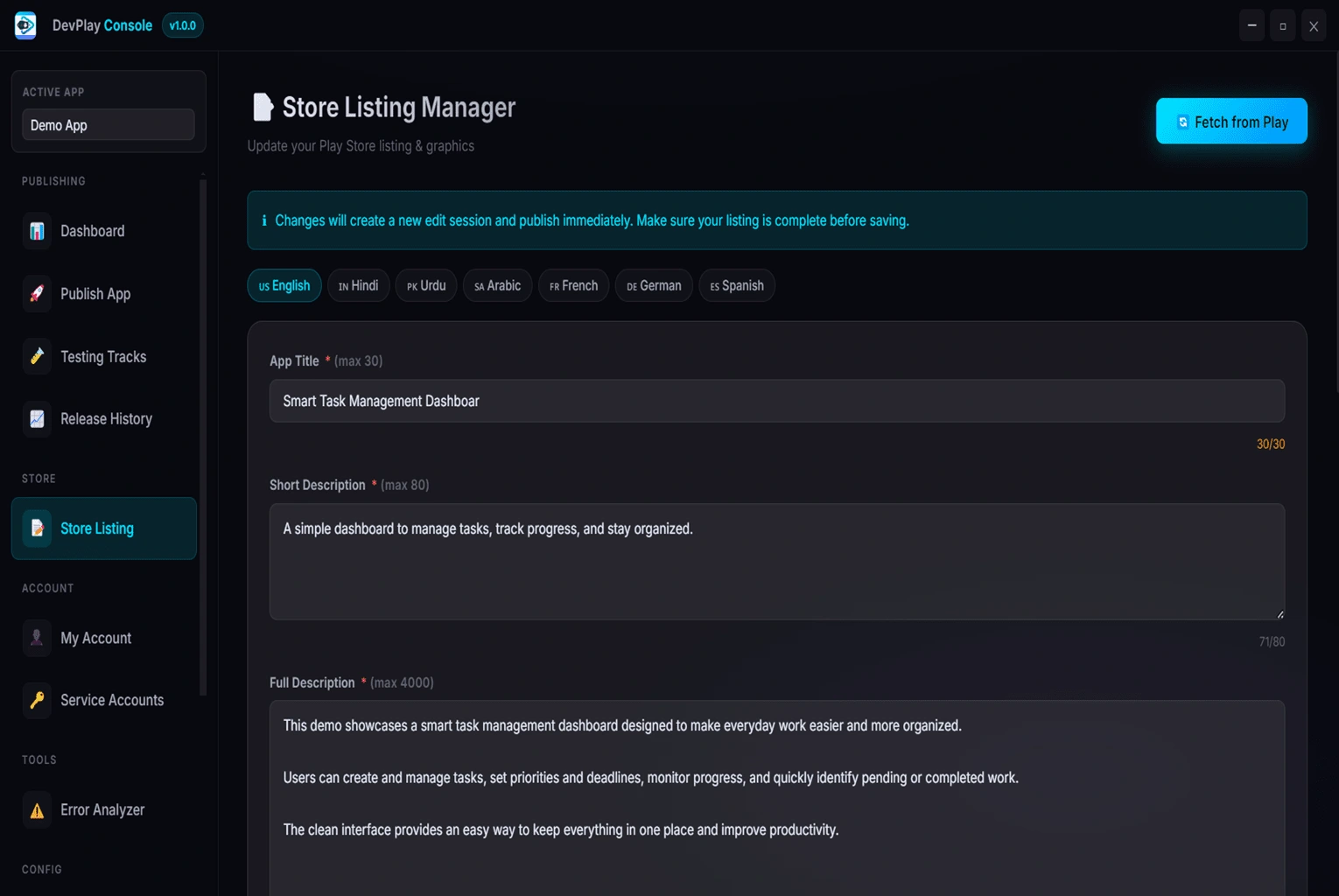
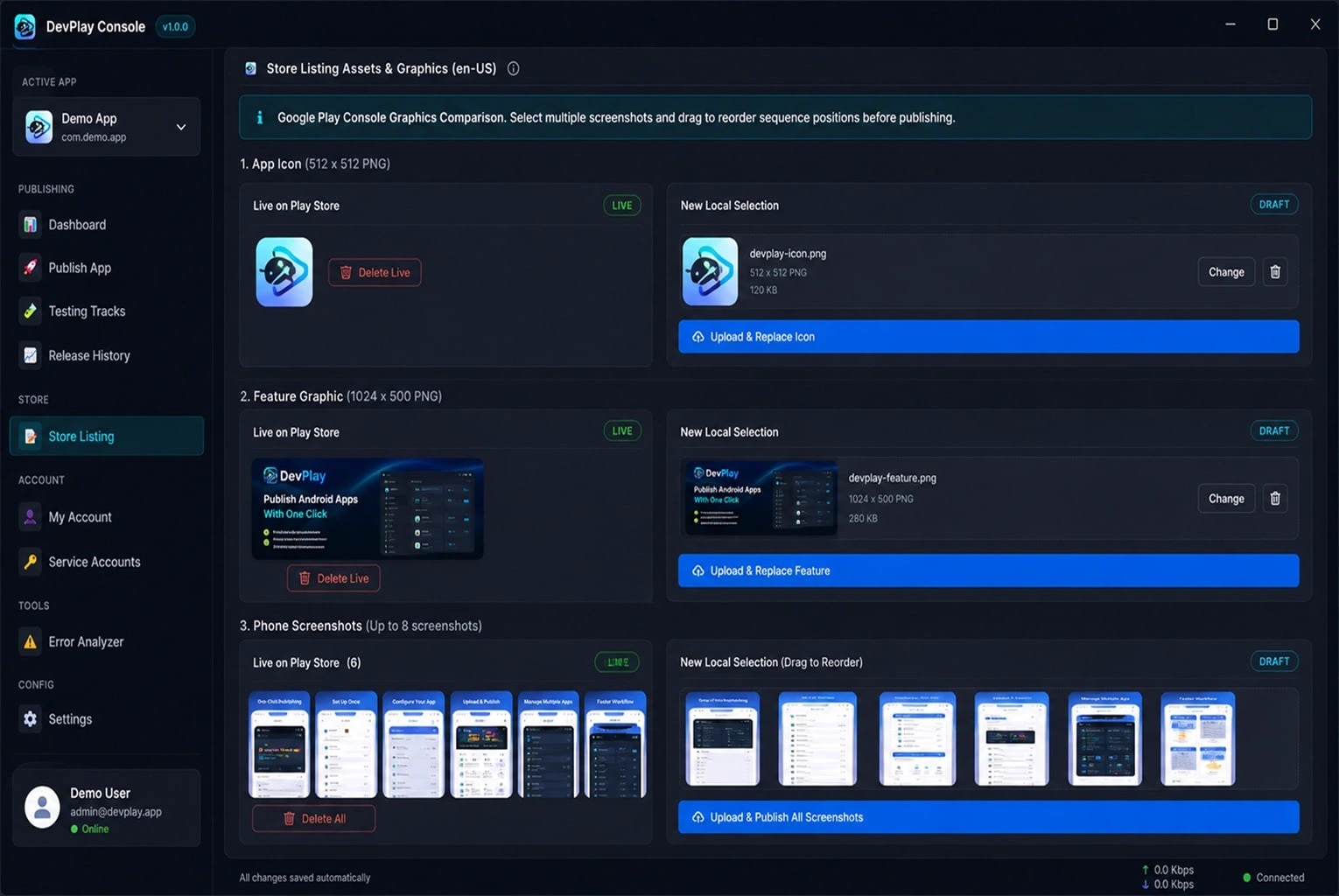
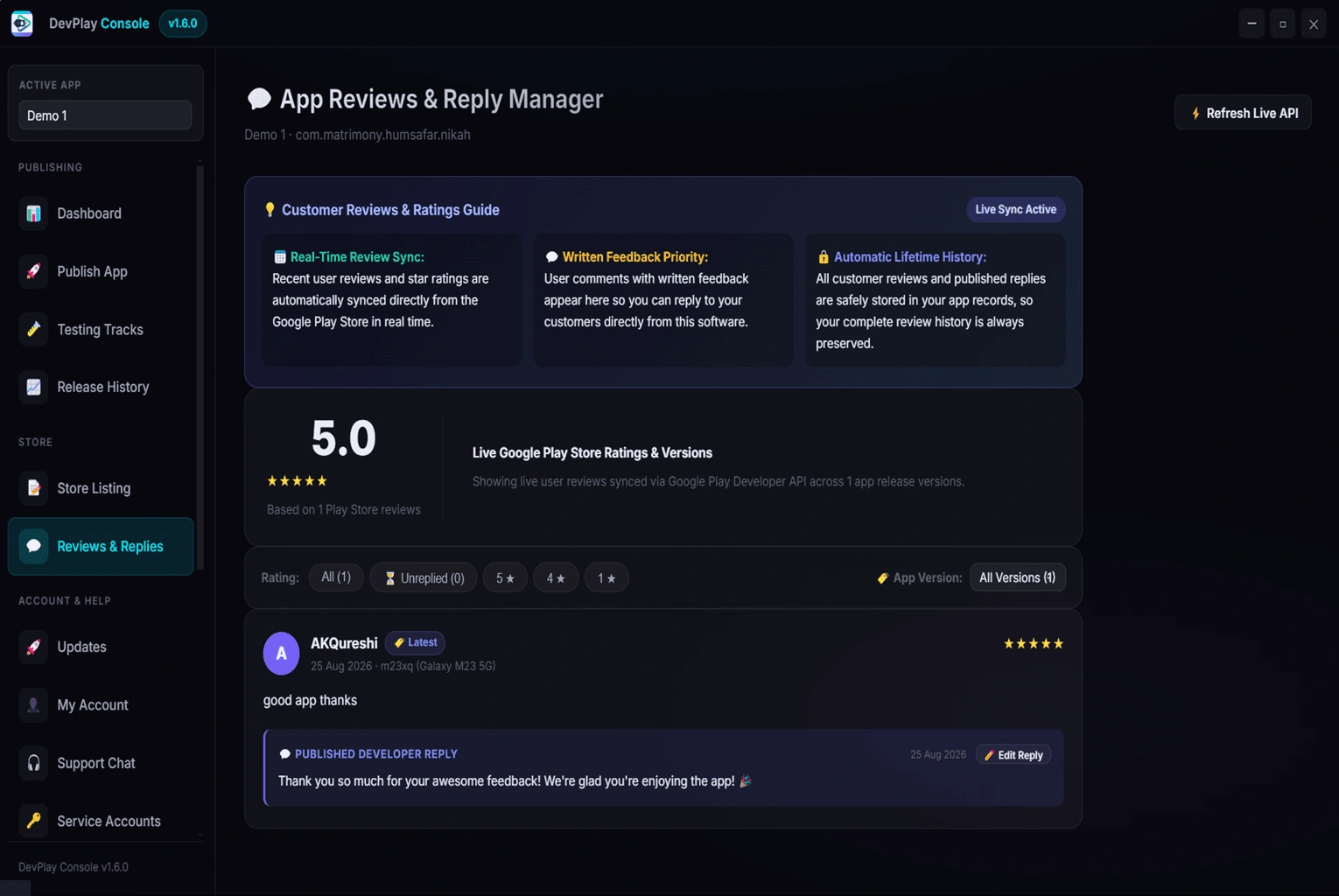
Stop repeating the same manual work in the Google Play Console.
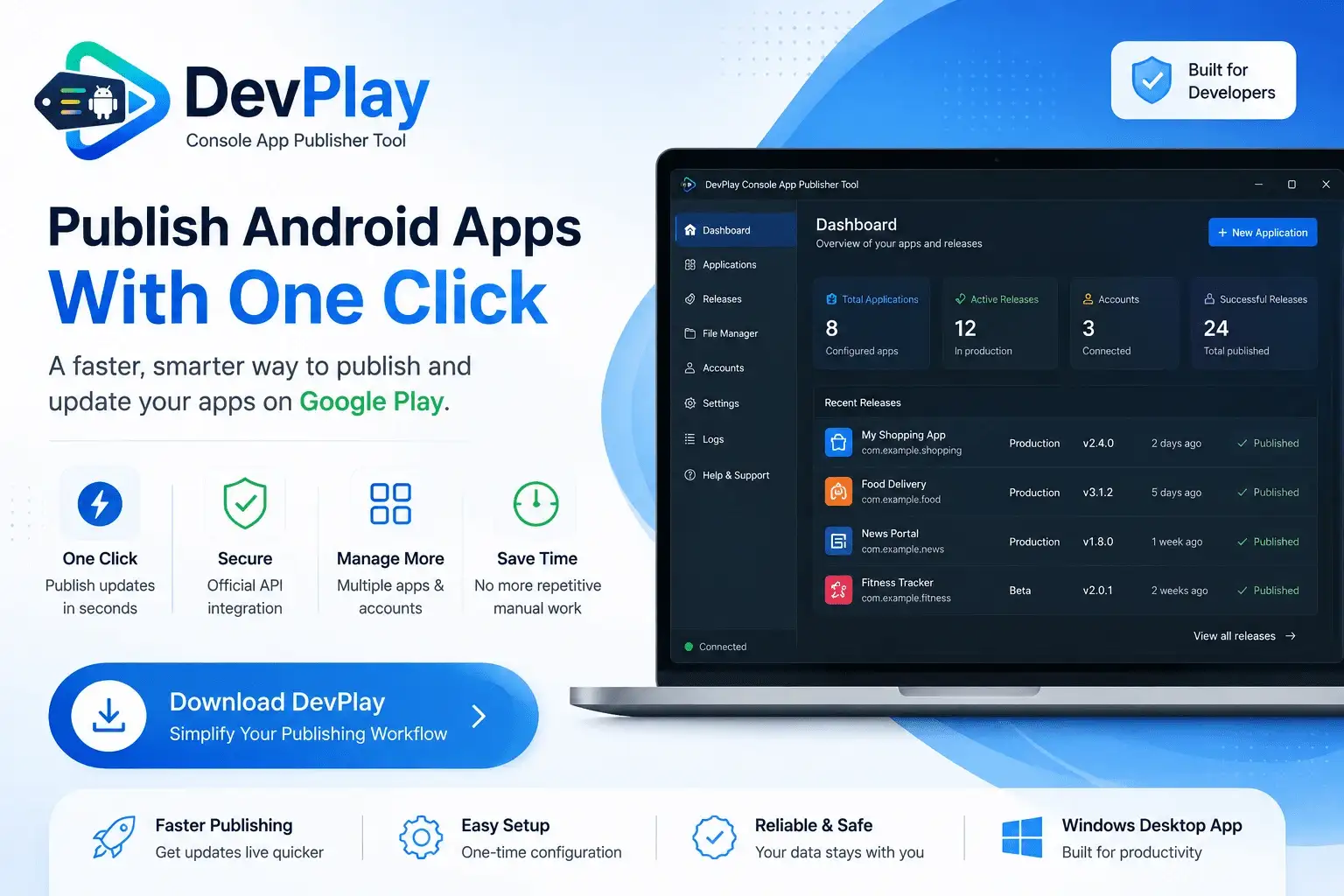
DevPlay Console Tool is a smart publishing tool designed to make app updates faster, easier, and more efficient for developers managing multiple Android apps.
Eliminate tedious manual processes and optimize your app deployment lifecycle.
Simplify repetitive publishing tasks. Push updates to production or beta tracks directly without manually navigating website screens.
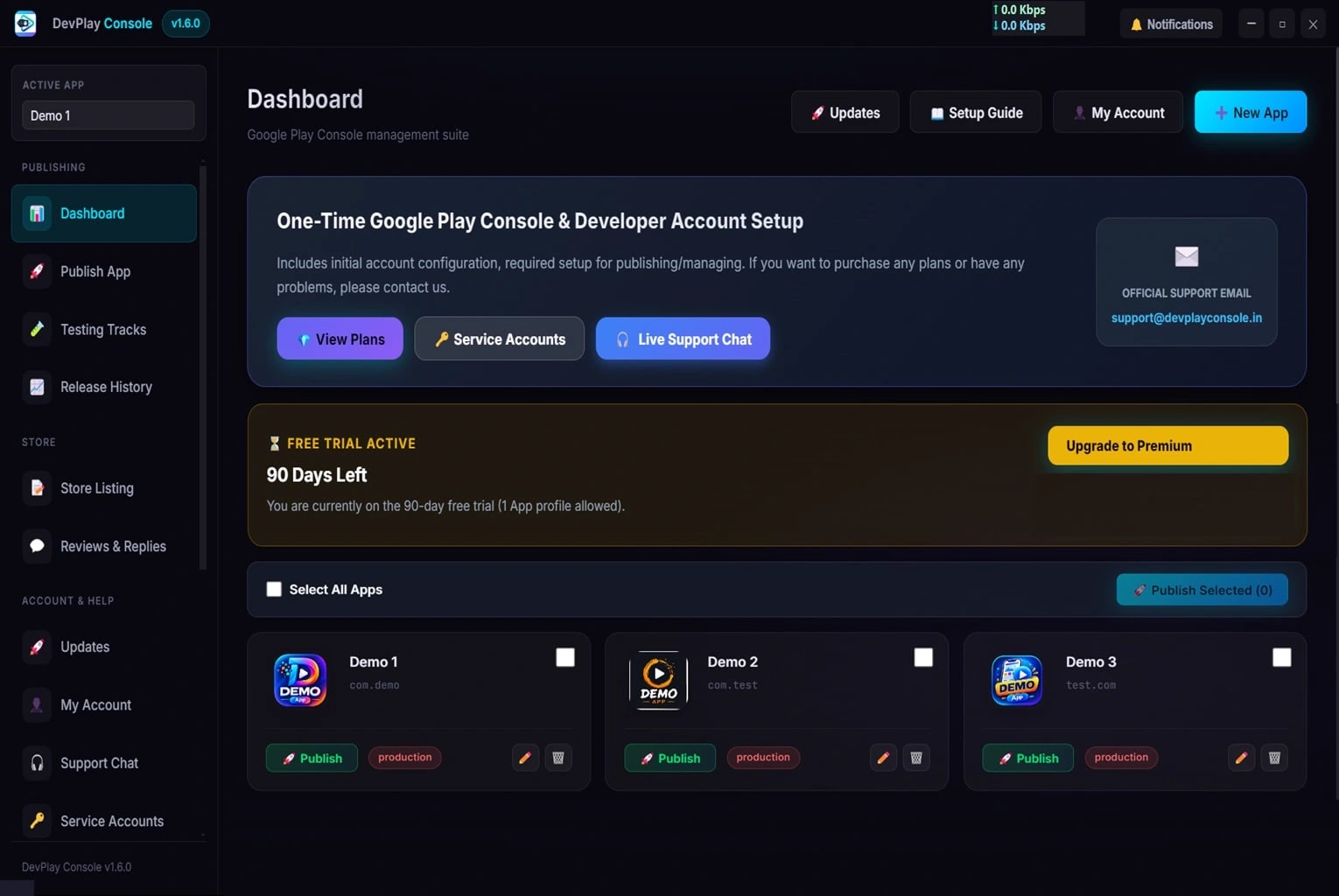
Manage several app releases more efficiently from a single, organized desktop workspace.
Reduce repetitive Google Play Console web navigation, form fillings, and browser session timeouts.
Spend less time on app updates. Push your App Bundles (.aab) and APKs in seconds instead of 20 minutes.
Designed specifically for developers, agencies, and studios managing multiple Android applications.
Focus more on building great apps and development, and less on repetitive administrative publishing tasks.
If you regularly publish or update multiple apps, DevPlay Console Tool helps turn a repetitive process into a simple, streamlined workflow.
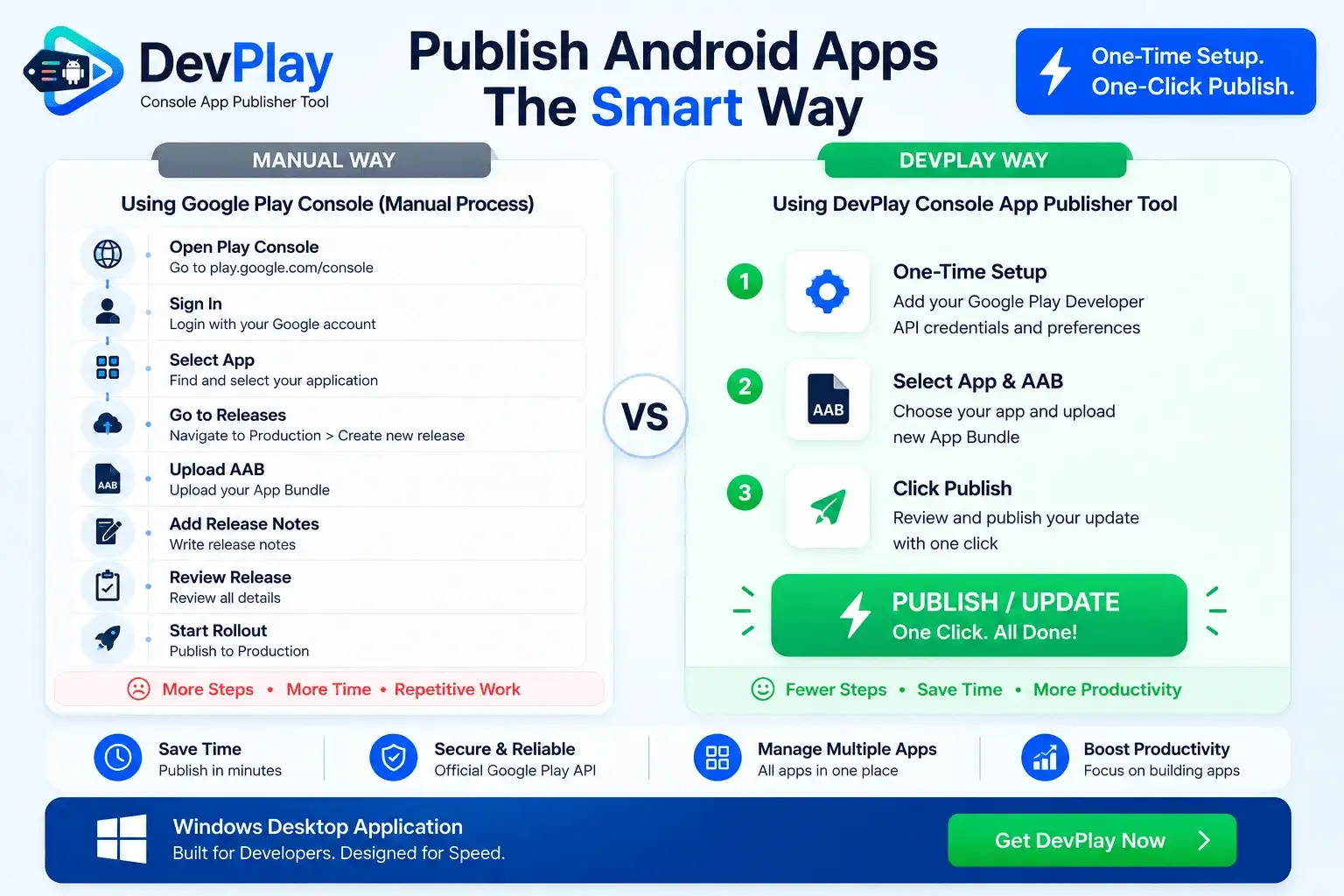
See how DevPlay Console eliminates browser fatigue.
The tedious 6-step manual process per app:
Streamlined 1-click desktop workflow:
3 simple steps to transform your deployment pipeline.
Connect your Google Play Console Service Account JSON key or auto-generate credentials inside the app.
Add your app details, select your App Bundle (.aab), set the package name, and specify release notes once.
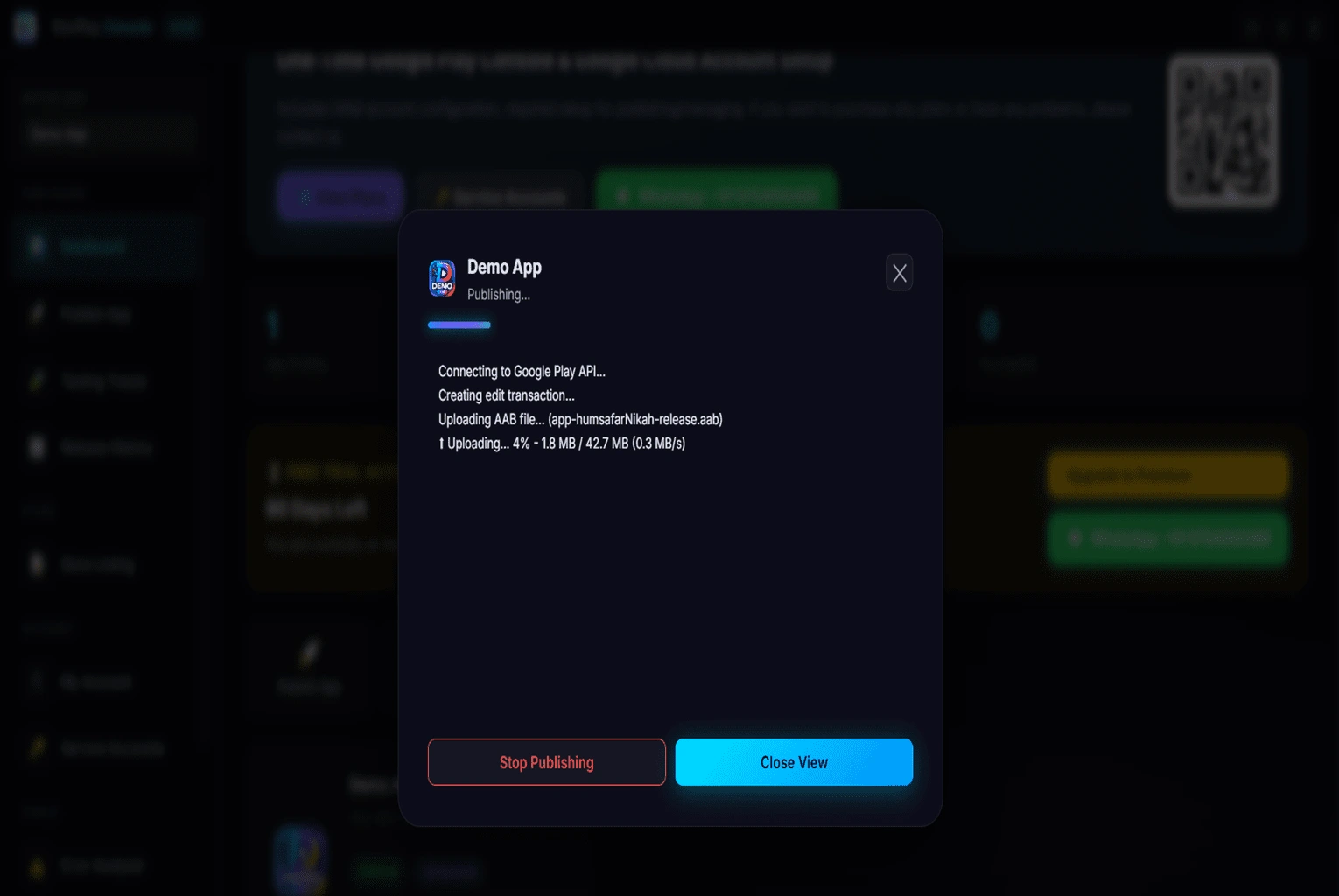
Hit the "Update App" button. The software securely talks directly to Google Play Console and publishes your update in seconds.
Built like Fastlane—your credentials and binaries never leave your machine.
DevPlay Console is a native Windows Desktop Application. Your Service Account JSON keys, keystores, and app binaries stay strictly on your local computer.
Local Developer credentials saved inside the software are encrypted with military-grade 256-bit AES encryption for complete peace of mind.
Communicates directly with Official Google Play Console endpoints over HTTPS—the same secure infrastructure trusted by industry tools.
DevPlay Console connects to the official Google Play Console using your Service Account. Once configured, pressing "Update App" pushes your release directly to Google servers without needing to log in or navigate the web interface.
Yes! DevPlay Console is specifically designed to manage multiple applications and developer accounts from a single workspace, saving hours of repetitive work.
100% safe. DevPlay Console runs locally on your PC. Your Developer credentials and app files stay on your machine and are never uploaded to any external server.
Just download the software setup, install it on your Windows PC, and start publishing. No credit card or account registration is required.